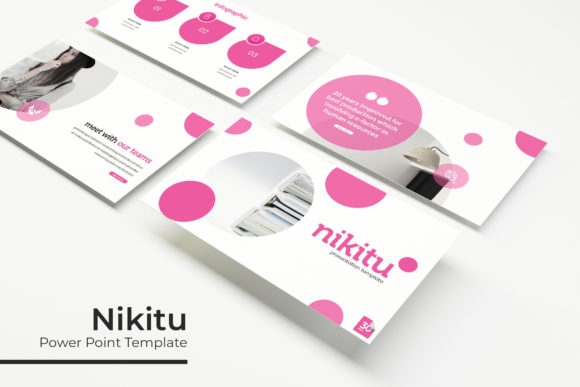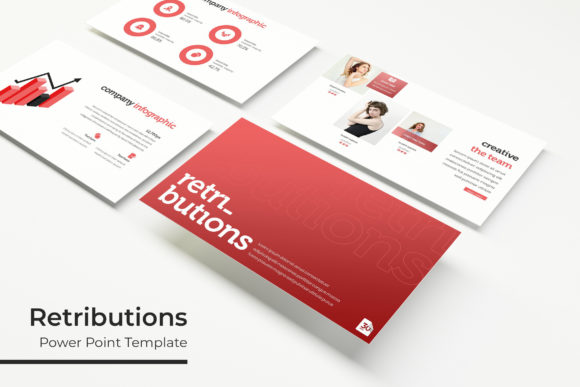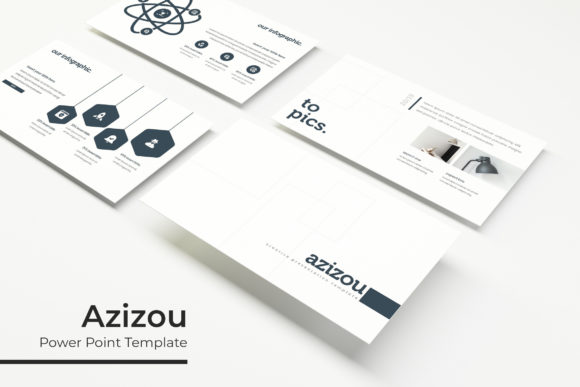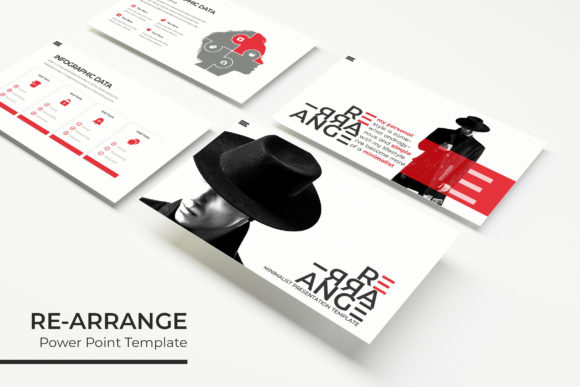
Maharizz Power Point Template: Design with Purpose
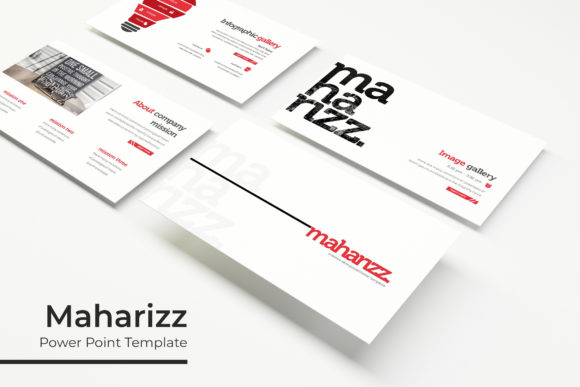
Great presentations are rarely about the volume of information; they are about the clarity of the message. The Maharizz Power Point Template is designed to bridge the gap between complex data and audience understanding. Rather than offering a generic collection of layouts, this template system provides a structured yet flexible framework for visual storytelling. With 150 total slides organized across five distinct color themes, it serves as a comprehensive toolkit for professionals who need to maintain brand consistency without sacrificing creative freedom. Whether you are pitching a startup, teaching a workshop, or reporting quarterly metrics, the utility of this template lies in its ability to adapt to your specific narrative while handling the heavy lifting of visual alignment and hierarchy.
A System Built on Master Slides
The true value of any professional presentation asset is not just what you see on the screen, but how easily you can manipulate it behind the scenes. Maharizz is engineered using robust master slides, ensuring that global changes propagate instantly throughout your deck. This architecture saves hours of manual formatting. When you adjust a font style or reposition a logo placeholder on the master slide, every corresponding layout updates automatically. This pixel-perfect foundation allows creators to focus on content strategy rather than wrestling with text boxes.
For designers and marketers, this means maintaining strict brand guidelines is effortless. For educators and entrepreneurs, it reduces the cognitive load of design, allowing more mental energy to be spent on refining the script and delivery. The resizable and editable graphic placeholders utilize drag-and-drop functionality, making image replacement intuitive. You simply drop your photo into the frame, and the template handles the cropping and masking, ensuring your visuals always look polished and intentional.
Strategic Color Variations for Different Contexts
Color is a functional tool in communication, not merely decoration. The inclusion of five premade color variations, with 30 slides dedicated to each palette, acknowledges that different audiences require different tonal approaches. A pitch deck for a fintech investor might demand a high-contrast, authoritative blue scheme, while a creative portfolio for a lifestyle brand may benefit from warmer, softer tones.
- Corporate & Professional: Utilize the cooler, muted palettes for annual reports, internal training, or B2B sales decks where trust and stability are paramount.
- Creative & Vibrant: Leverage the bolder color sets for marketing campaigns, product launches, or educational content designed to energize and engage.
- Minimalist & Clean: Select the neutral variations for data-heavy presentations where readability and whitespace must take precedence over stylistic flair.
Having these variations pre-built eliminates the guesswork of color theory. You can select the theme that aligns with your current project’s emotional goal and begin populating content immediately. If your branding evolves, the master slide structure makes recoloring the entire 150-slide library a manageable task rather than a complete rebuild.
Visualizing Data with Handcrafted Infographics
Data visualization is often the breaking point for many presentations. Standard charts can feel sterile, while custom illustrations are time-prohibitive. Maharizz addresses this with handcrafted infographic slides that balance aesthetic appeal with informational accuracy. These are not static images; they are fully editable vector graphics within PowerPoint. You can adjust values, change labels, and modify colors to match your specific dataset without needing external software like Illustrator or Canva.
This feature is particularly valuable for consultants and analysts who must translate raw numbers into compelling narratives. Instead of pasting a screenshot of an Excel chart, you can integrate data directly into the slide design. The handcrafted nature of these graphics adds a layer of bespoke quality that signals professionalism and attention to detail. It transforms dry statistics into visual assets that support your argument rather than distract from it.
Curating Portfolios and Galleries
For freelancers, agencies, and creatives, the presentation often serves as a dynamic portfolio. Static PDF portfolios can feel outdated the moment they are sent. The Maharizz template includes specialized gallery and portfolio slides designed to showcase work in a modular format. These layouts prioritize imagery, providing ample negative space to let your projects breathe. The picture placeholders are configured to maintain aspect ratios that flatter most photography and design work, preventing the awkward stretching or pixelation that often plagues DIY templates.
Beyond simple display, these sections can be adapted for case studies. Use the gallery layouts to walk clients through a process: problem, solution, and result. The section break slides serve as natural chapter markers, guiding your audience through the narrative arc of your work. This structural guidance is essential when presenting to stakeholders who may not be familiar with your specific industry jargon. Clear transitions keep the audience oriented and engaged, turning a showcase of past work into a persuasive argument for future collaboration.
Practical Workflow and Asset Management
Creativity thrives within constraints, but it also requires reliable tools. Understanding exactly what is included in the Maharizz package ensures a smooth workflow. You receive five PPTX files in standard format and five in widescreen (16:9), covering virtually all modern display environments from conference room projectors to Zoom screens. The inclusion of a Readme file with free font download links prevents the common issue of missing typography, ensuring your deck looks identical on every machine.
It is important to note that while the template provides the structure and graphics, the photographs used in previews are for illustration purposes only. This distinction is actually a benefit; it forces you to source authentic imagery that reflects your unique brand identity rather than relying on generic stock photos that everyone else uses. By combining the pixel-perfect illustrations of the template with your own curated photography, you create a final product that feels proprietary and original.
Adapting for Diverse Audiences
The versatility of 150 slides means you will likely never use them all in a single presentation. The best approach is to treat the template as a resource library. Audit the slides before starting a new project and delete those that do not serve your current objective. A tight, focused 15-slide deck built from this template will always outperform a bloated 40-slide presentation that uses layouts simply because they are available.
For small business owners, this template can serve as a master brand kit. Keep a copy with your preferred color variation and fonts already set. When a new opportunity arises, duplicate that file rather than starting from scratch. Over time, this builds a consistent visual language that reinforces brand recognition. For educators, the section breaks and infographic slides can be repurposed into micro-learning modules or handouts. The editability ensures that the same core asset can serve multiple pedagogical functions across different semesters.
Ultimately, the Maharizz Power Point Template is a productivity multiplier. It removes the technical friction of design, allowing your expertise and ideas to take center stage. By leveraging its master slides, color systems, and specialized layouts, you ensure that every presentation is not just a transfer of information, but a crafted experience that respects both your time and your audience’s attention.